¶ TestFlight External Testing Experience
Once a tester has been invited to participate in external testing they will receive an AMI branded email from no_reply@email.apple.com
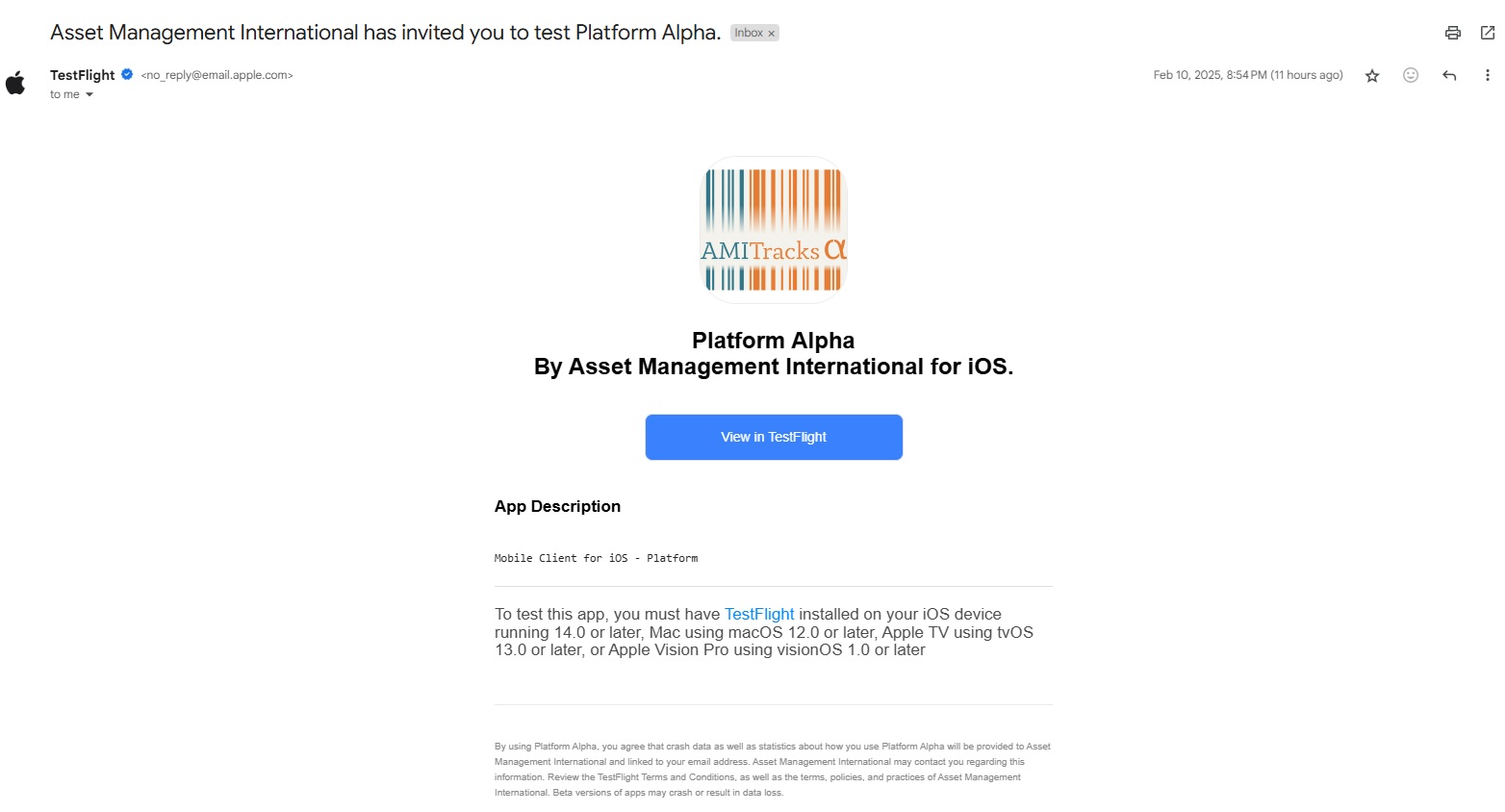
Sample invitation
Clicking on the "View in TestFlight" button will take you to the following web page.
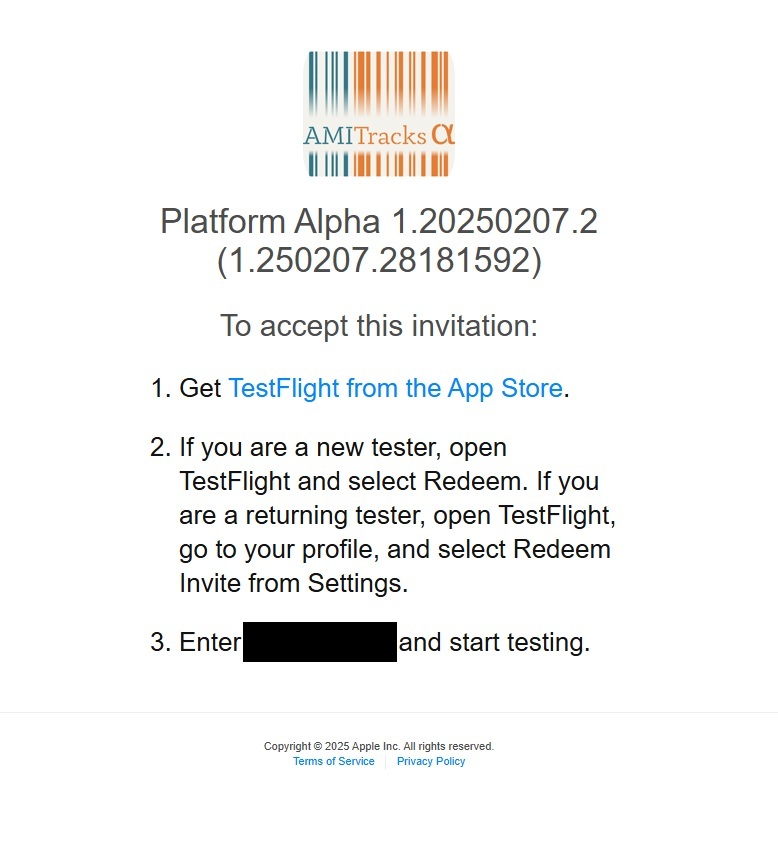
Sample invitation acceptance page
Clicking the link in step one will guide you through installing Apple's "TestFlight" app from the apple app store. Download and install it as you would any other app on your phone. (Press the download icon near the top of the app in the store to complete the install)
Once TestFlight starts for the first time you'll see the following screen that will allow you to redeem your test spot.
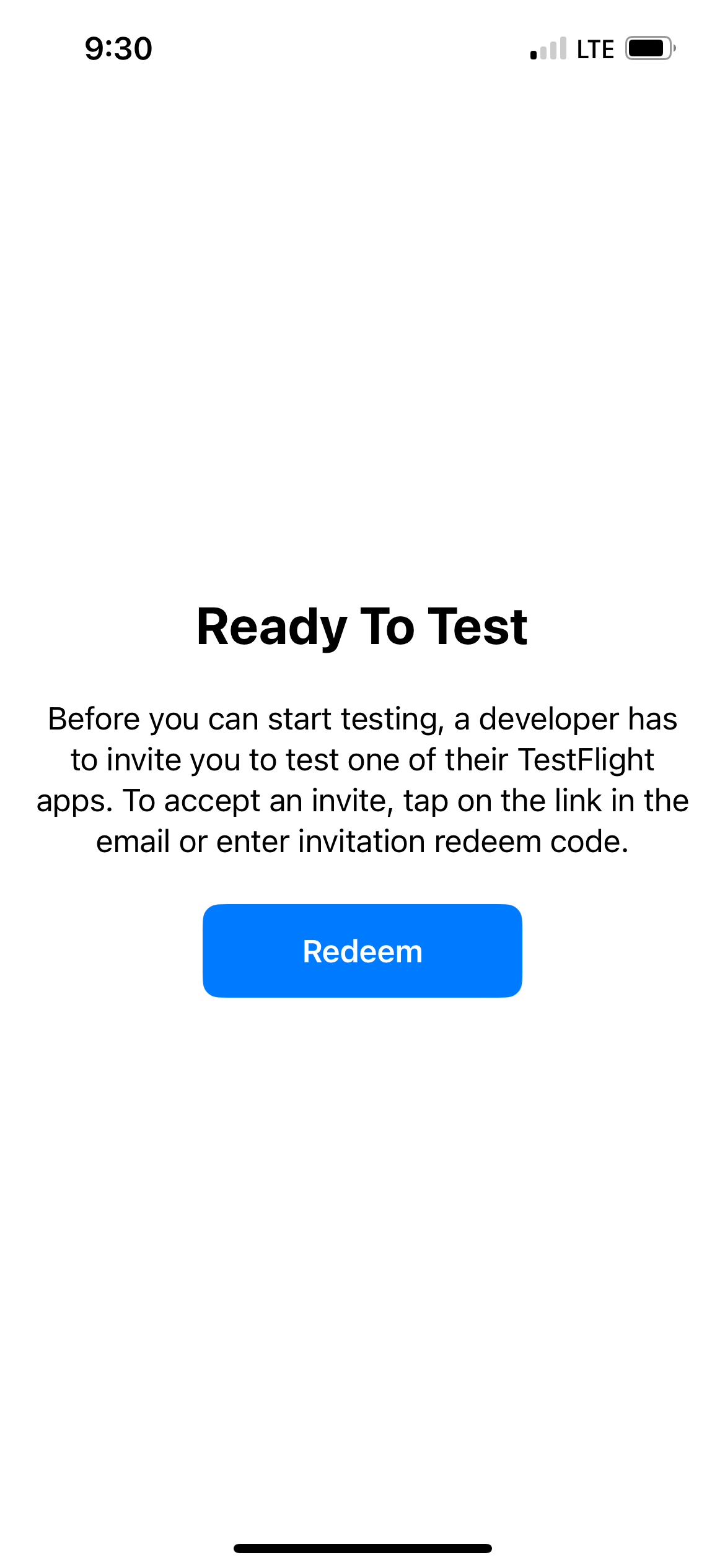
Mobile view of the first redemption step
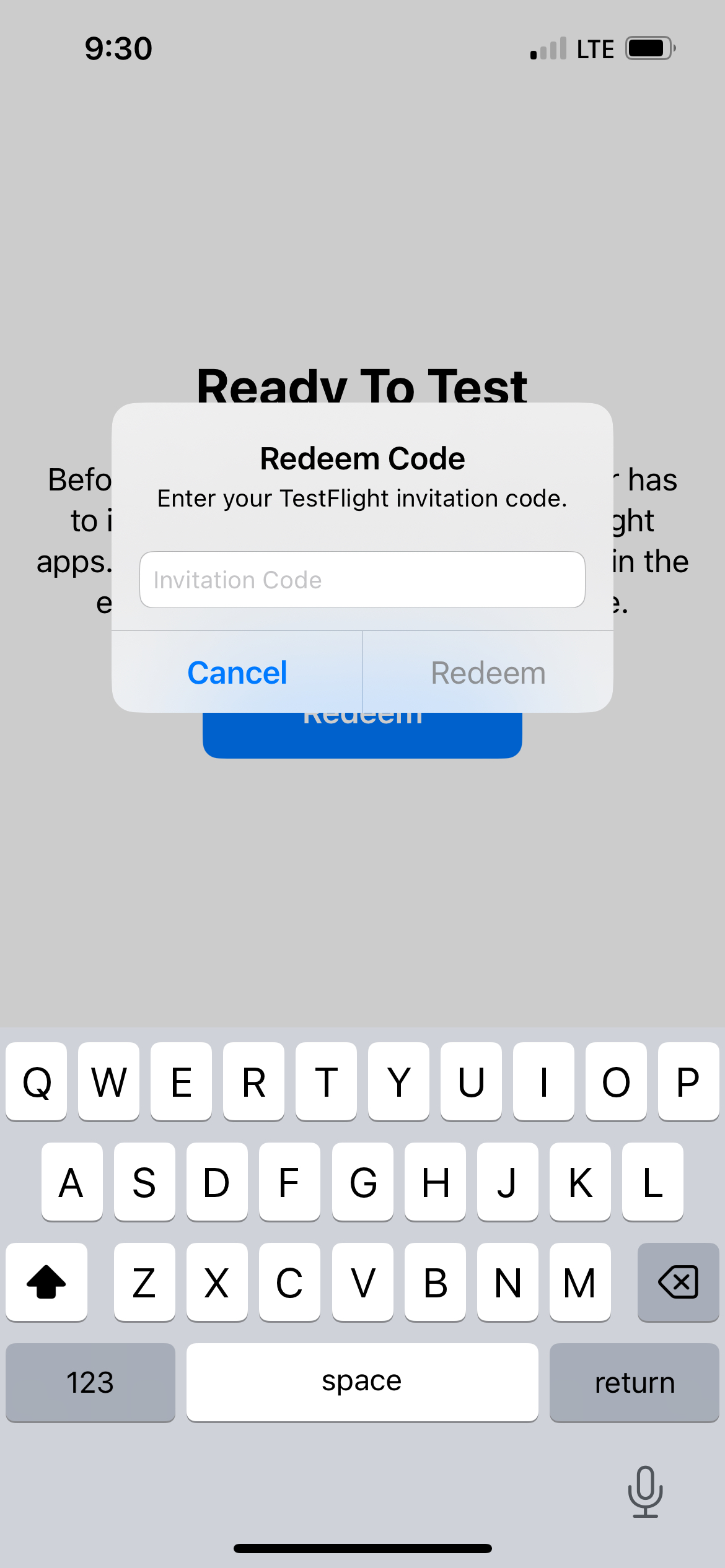
Mobile view of the second redemption step
¶ Launching The Platform Application
After redeeming the code you should see the app in your phone's application library.
Opening TestFlight will also show the application. Selecting "Open" will launch the app.
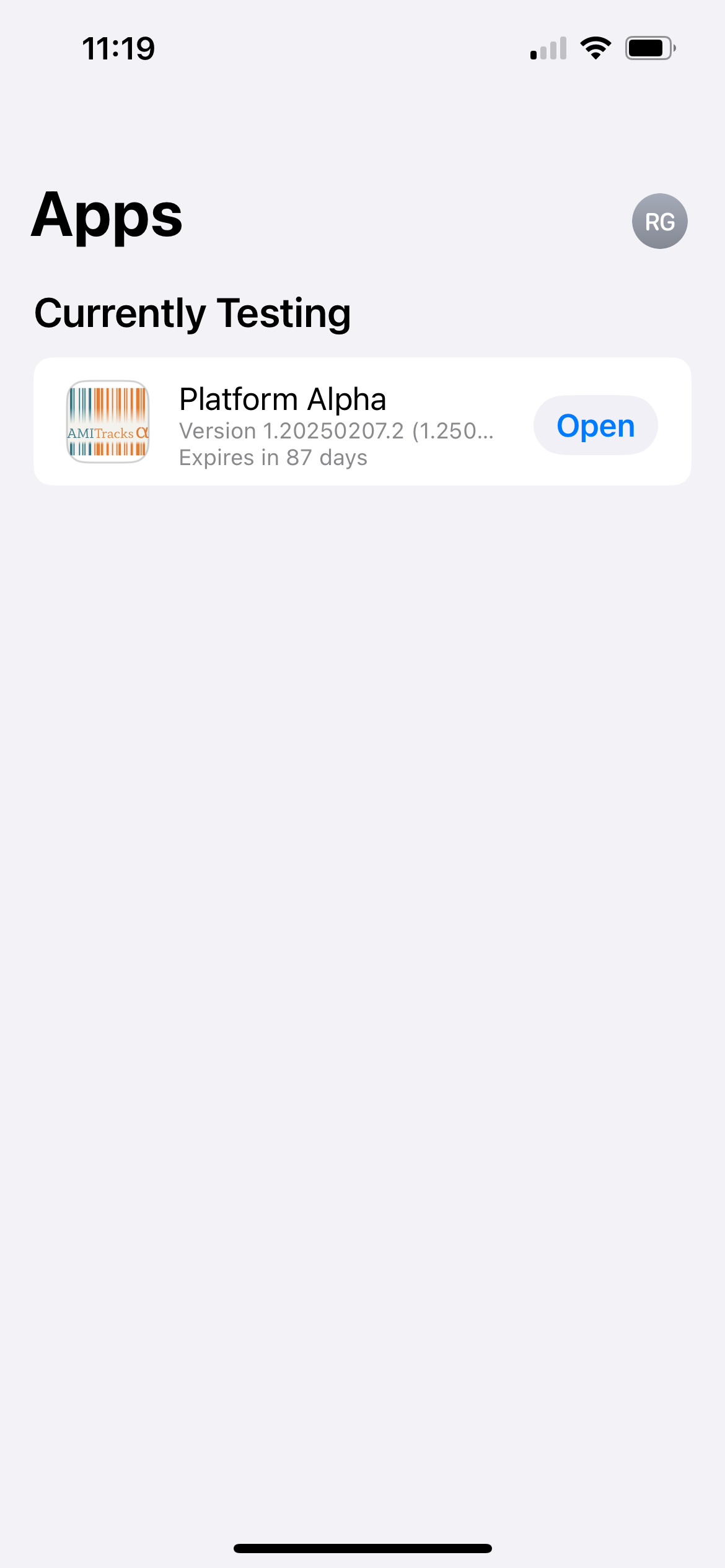
Mobile view of TestFlight